![recite-logo-large_trans.png]](https://knowledge.reciteme.com/hs-fs/hubfs/recite-logo-large_trans.png?height=40&name=recite-logo-large_trans.png)
Video Length: 3 minutes 1 second
FAQs
What is Recite Me Intercept?
Recite Me Intercept extends accessibility support to archived content and areas of a website that fall outside the standard remediation scope, helping ensure all users can access your content.
How does Intercept work?
Intercept is implemented by adding a JavaScript snippet to your website. It captures user impressions and click activity on PDF content, helping identify which documents are being accessed. This information is then passed to Recite Remediator, where any documents not already included in your identified landscape are automatically added.
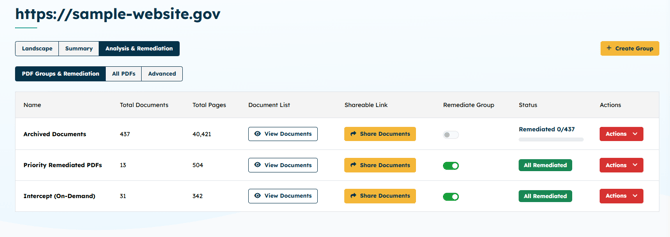
What is the Intercept remediation group?
The Intercept remediation group is automatically created to organise PDFs identified through user activity.
How are PDFs selected for HTML generation?
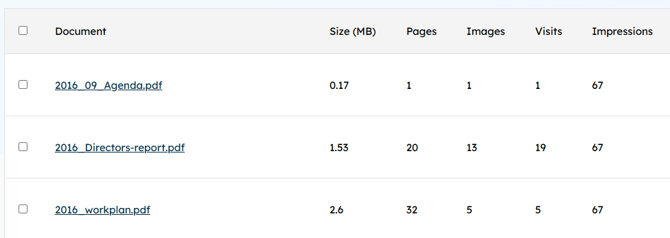
PDFs are automatically added based on user impressions from visits to the website pages where they are located. Once a document reaches a defined threshold, such as 10 impressions, it is prioritised for HTML generation. The threshold can be defined within the Intercept group settings.
Why is a simplified version created?
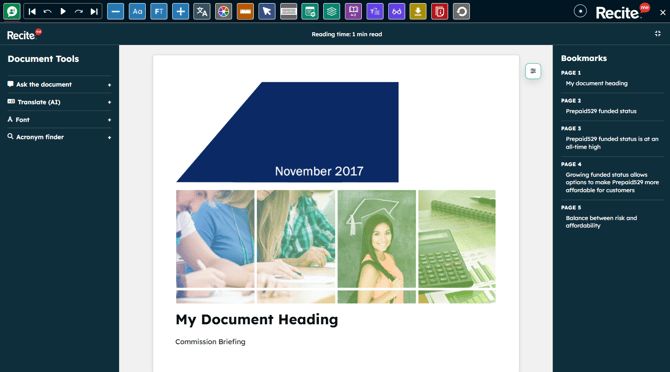
A simplified HTML version of the document is generated, making the content more accessible and easier to navigate and interact with. Simple headings and paragraphs showcase the content in an easy to read and view format.
What happens when a user clicks an archived PDF link?
In most cases, users are directed straight to the HTML version of the document, providing a more accessible experience. The JavaScript automatically takes care of the redirect.
What if a document has not yet reached the impression threshold?
If a user clicks a PDF that has not yet reached the threshold, HTML generation is triggered at the point of access so the document can still be processed when needed.
What happens while the HTML version is being generated?
If generation takes a short time, users are given the option to view the original PDF while the HTML version is being created.
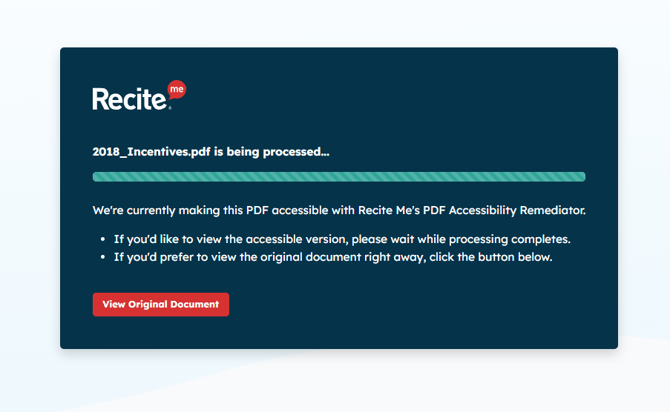
What happens after the HTML version is generated?
Once generated, all subsequent users who click the same link are automatically directed to the HTML version.
What features are included in the HTML version of the document?
The HTML version includes a range of accessibility and usability features:
- Estimated reading time
- Ask the document a question
- Translation into multiple languages
- Customisable font options
- Acronym summaries
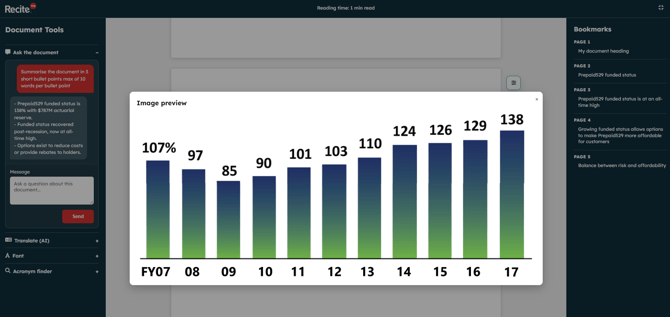
- Image support with click to focus
- Bookmark navigation for quick access
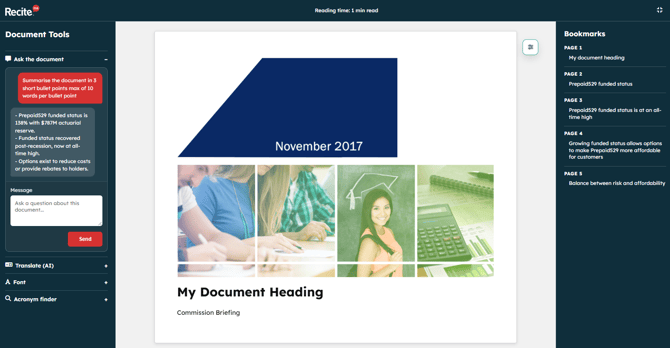
What is the “Ask the Document” feature?
This feature allows users to ask questions about the document content and receive instant responses. For example, a user could ask “What are the key findings?” to quickly locate important information without reading the full document.
Are images supported in the HTML version?
Yes, images are included from the PDF and can be clicked to focus, allowing users to view them more clearly.
How can users navigate the document?
A descriptive bookmark list is provided, allowing users to quickly move between sections and access relevant content.
Can additional accessibility tools be added?
Yes, but this is a none standard feature. The Recite Me Toolbar can be added to the HTML version, providing additional accessibility features to support different user needs. Note: A Recite Me Toolbar licence must be purchased.